
Never Lose Track of a Business Conversation
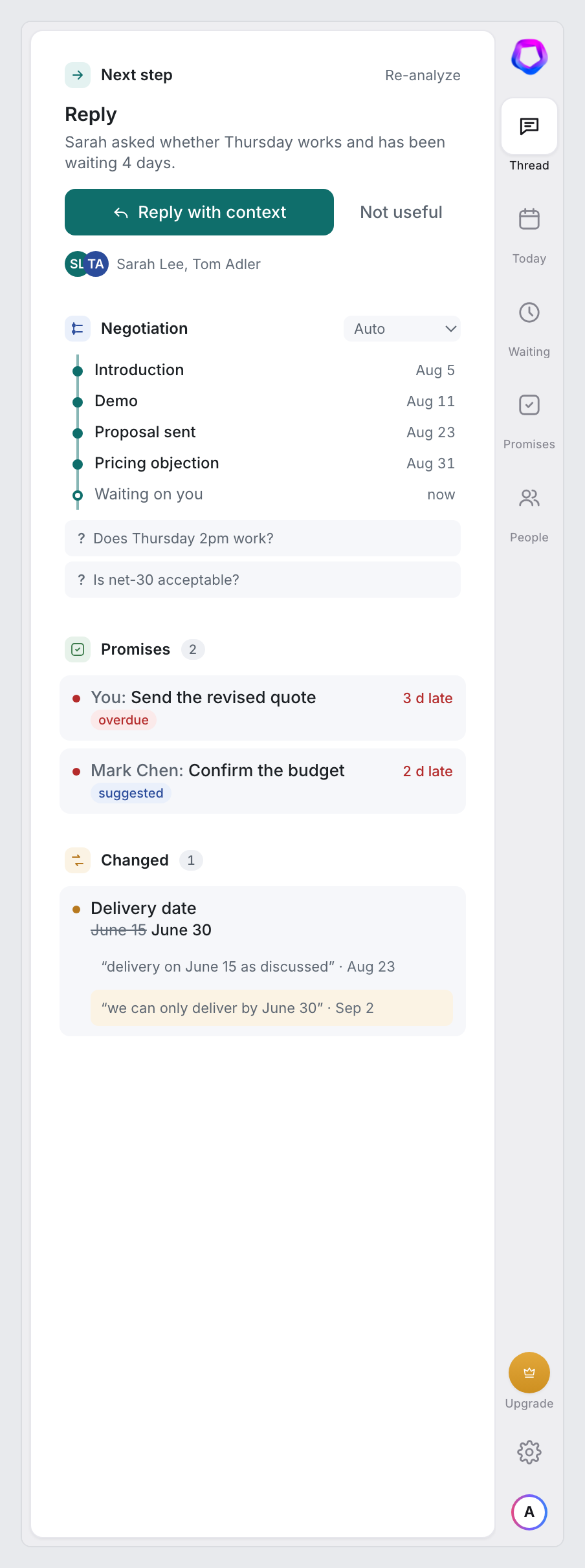
LexaKeep lives inside Gmail and shows you who is waiting on you, what you promised, what changed, and the next step — then writes the reply with all of it in mind.
No Gmail permission. Drafts only, in your compose window. LexaKeep never sends, archives or deletes email.
It's all about the state of things
Gmail shows you messages. LexaKeep shows you where each conversation stands — who owes whom, what's due, what moved — without a CRM, a spreadsheet or a single extra click.
I stopped keeping a “who owes me a reply” list in my head. The board just knows, and the promises I made are sitting right there with a due date.
- 60 sec
from connecting Gmail to your first “here's where you stand”
- 2 sides
of every promise tracked — what you owe and what they owe you
- 1 click
from “they're waiting” to a draft that knows the whole thread
- 0
emails sent, archived or deleted without you — ever
Stop re-reading threads — LexaKeep remembers where you left off
Six things it does that nothing else in your inbox does. See all thirteen.
Reply in one click, with the whole thread in mind
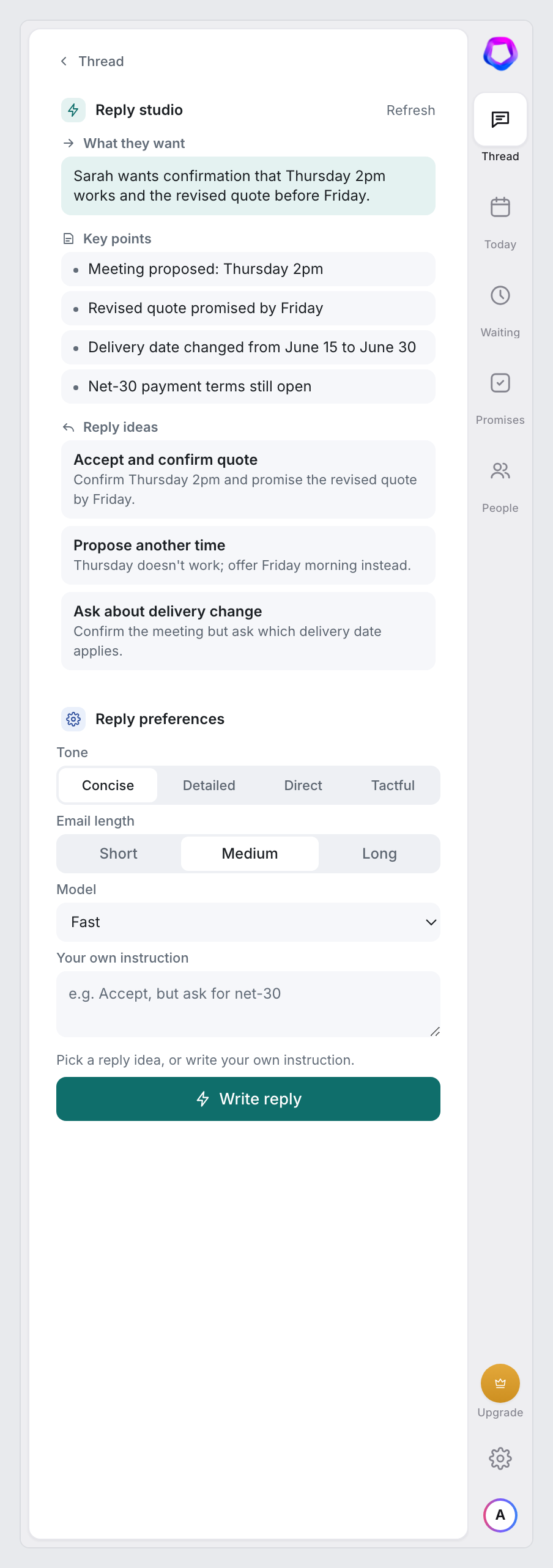
Open a thread and LexaKeep tells you what the sender wants in one sentence, lists the facts that matter, and offers three ways to answer. Pick one, set the tone and length, and the draft is written with the thread's open promises and detected changes in front of it. It lands in your Gmail compose box; you review and send.
- What they want
The sender's ask in one sentence, before you read the thread.
- Reply ideas
Three stances — accept, negotiate, ask — one click each.
- Tone, length, model
Concise or tactful, short or long, fast or advanced.
- Send to Gmail
The draft lands in your compose box. Nothing is ever sent for you.
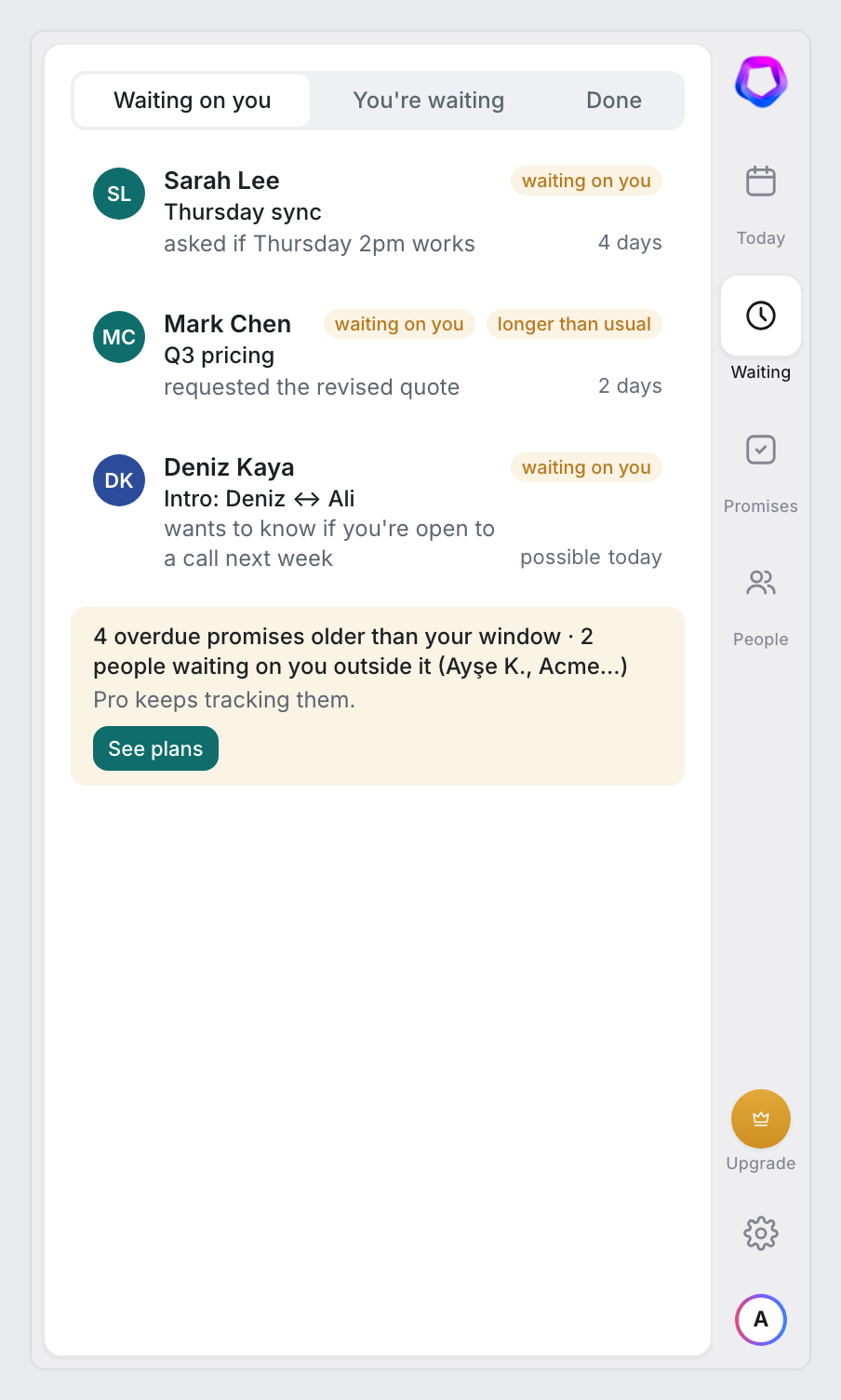
See who is waiting on you — in the sidebar and on every inbox row
Every active thread gets a state: waiting on you, waiting on them, or nothing pending. The board shows who asked what, in one sentence, and how long it's been sitting. The same state appears as a small badge on the inbox row itself — Reply · 4d, Waiting · 2d, Overdue — with the action one hover away.
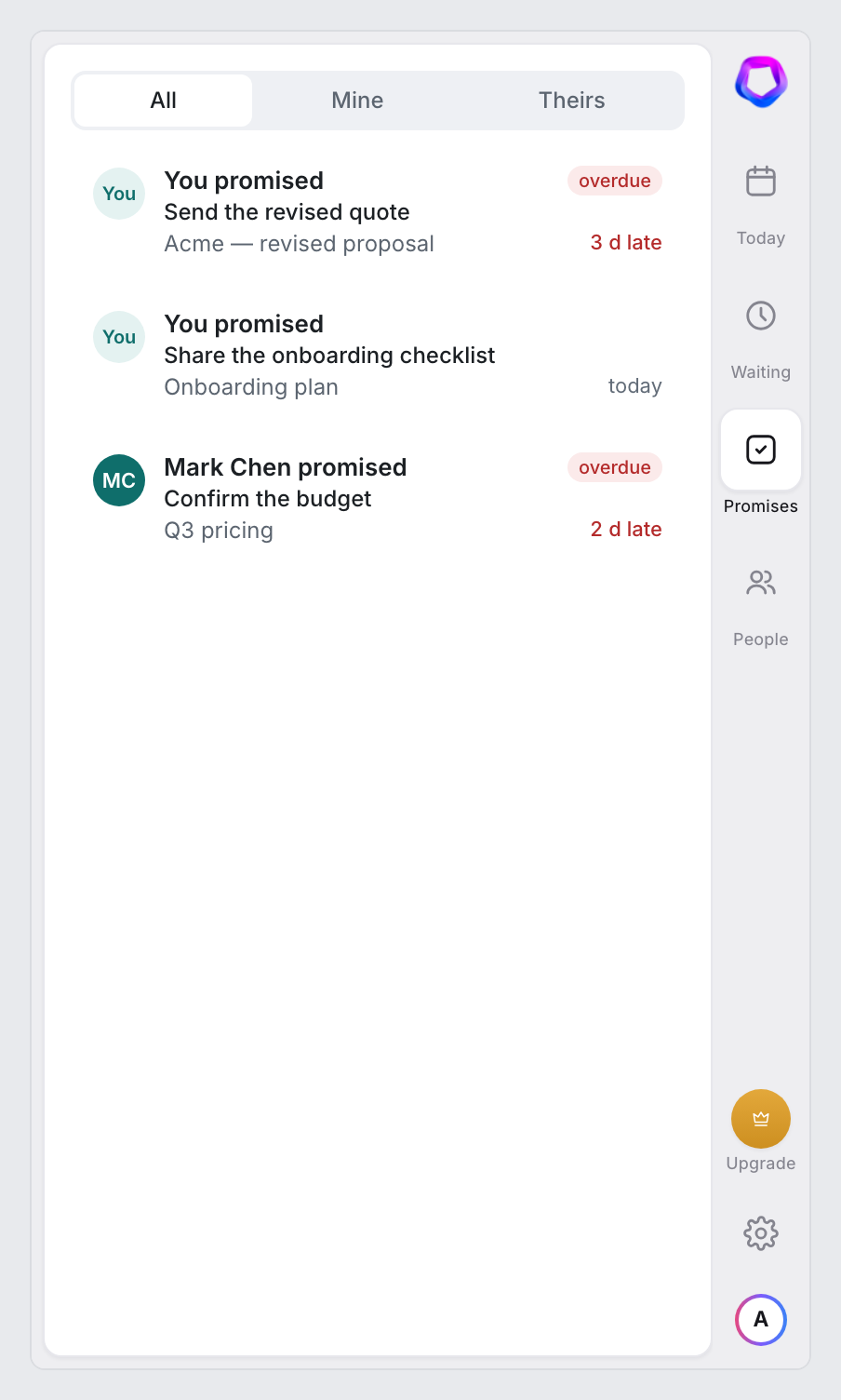
Every promise tracked, yours and theirs — caught before you even hit send
“I'll send the contract Friday.” “We'll confirm budget next week.” LexaKeep pulls commitments out of both sides, resolves the due date, and keeps the exact sentence as proof. Write a promise yourself and a quiet bar under the compose box offers to track it before the email leaves. Nothing is tracked without your say.
Thanks for the notes. I'll send the contract by Thursday with the revised pricing.
Best, Ali
Send it, and let go
Pick “Remind me” when you send. If a reply comes first, the reminder cancels itself. If it doesn't, the thread rises to the top of your board with a polite follow-up ready to go. One click writes it into your reply box. You read it, and decide.
A polite nudge is waiting in your Drafts, attached to the same thread. Reply arrives first? The reminder cancels itself.
Catch the numbers that quietly changed
Delivery date moved from June 15 to June 30. Unit price shifted between two emails. LexaKeep lines up the earlier and later quotes side by side, flags it at the top of the thread, and lets you address the difference in your reply — before it becomes a dispute.
“…delivery on June 15 as discussed.”
“…we can only deliver by June 30.”
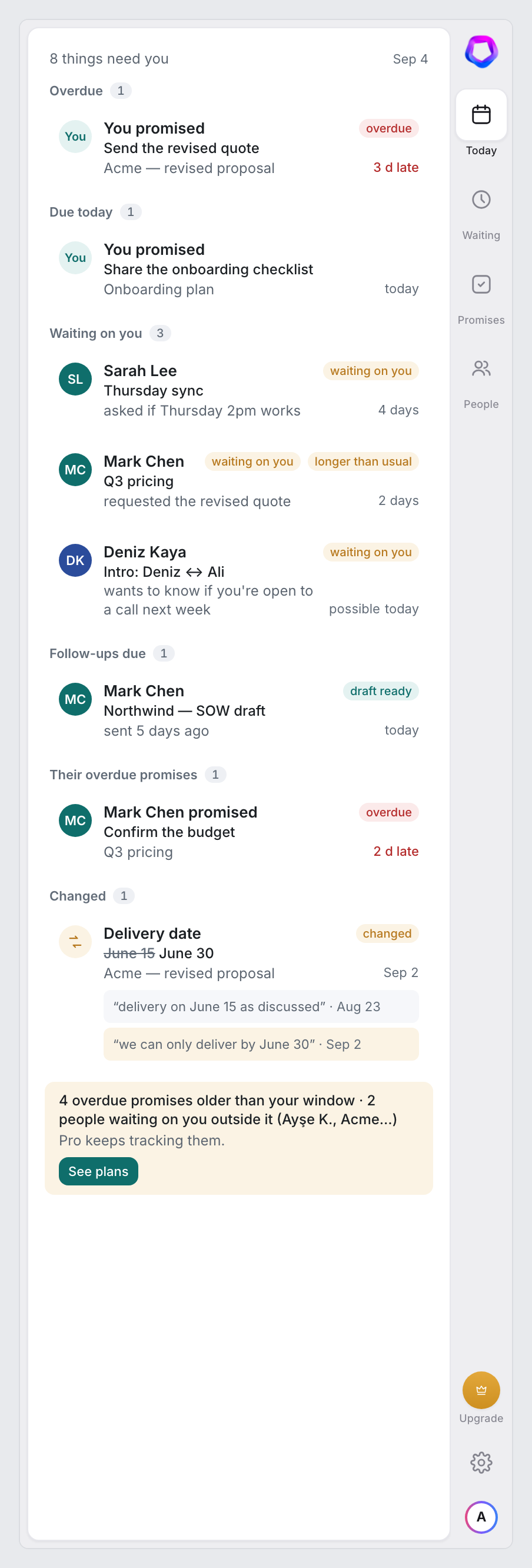
Your day, before your inbox
At the hour you choose: overdue promises, what's due today, who's been waiting longest, follow-ups that fired, and new changes. Every line has two links — open the thread, or draft the reply. In the sidebar for everyone, by email on Pro. If there's nothing, it says so.
Reads what you open. Never sends, archives or deletes.
LexaKeep asks for no Gmail permission: it reads only the conversation you have open on screen and nothing runs while Gmail is closed. Raw email bodies are never stored. LexaKeep keeps only structured state — who's waiting, what was promised, what changed — and every suggestion shows the sentence it came from. Delete everything in one click. The full list of rules.